

If you are reading this, the chances are good that something just happened to you on a third-party platform. A monetization status quietly flipped from green to amber. A video you posted yesterday picked up a third of its usual views and you cannot tell why. A strike landed in your inbox with a paragraph of policy that did not actually describe your video. Or, worst case, your channel is gone and the followers you built over a decade are no longer reachable. The technical names for those experiences are demonetization, algorithmic suppression, and deplatforming, and they are all the same problem in different doses: you do not own the channel.
This article is the playbook for fixing that. We are going to walk through what platform risk actually costs in measurable terms, what it means to own the channel instead of renting it, and the exact migration sequence we recommend to creators who come to hashtag.org from YouTube, TikTok, Instagram, Twitch, or any of the other services that decide on your behalf whether your audience can see your work today.
What “rent” really means
Pretend, for a second, that your relationship with YouTube was a lease on a physical storefront. The lease would say that the landlord can: change your hours, decide whether you can take payment that day, hide your sign from passers-by based on what you are selling, evict you with no advance notice, refuse to give you the contact list of your regular customers when you leave, and forbid you from telling those customers where you went. Nobody would sign that lease. We just signed an analogous agreement digitally because the platform handed it to us in tiny print at age 16.
Concretely, when you post on a third-party social platform, the three things you would normally call “your business” are not yours:
- The channel. Your username, your URL, your follower count, your video catalogue. Removed at the platform’s discretion. Not transferable.
- The audience. The people who hit subscribe are reachable only through the platform’s feed and only with the platform’s permission. Email the list? You don’t have the list.
- The monetization. Ads, memberships, super-thanks, gifts: all policy-gated. Your monetization status can change Tuesday morning without warning; your inability to migrate the monetization off-platform is by design.
The architectural answer to all three is creator sovereignty: you own the channel, you own the audience, and you own the monetization, all on infrastructure that cannot be unilaterally revoked by a single platform. On hashtag.org, the unit of ownership is a #Name, and the experience that sits behind it is a GEO portal with an AI agent and direct contact rails baked in.
Platform risk in numbers
The pushback we hear most often is “sure, but it’s never going to happen to me.” That is fine as a feeling. It is not fine as a business plan. Three loose data points worth keeping in your head:
- The largest creator platforms restate their monetization policy multiple times a year. Each restatement re-classifies a slice of existing content as ineligible. If you make borderline-anything (medical, financial, political, age-restricted comedy) you will eventually fall through one of those windows even if you did nothing differently.
- Algorithmic suppression doesn’t look like a ban; it looks like your video quietly making 30% of normal reach. You will think it is the algorithm cooling on you. You will be right, but you will have no recourse and no signal, and that is what makes it expensive.
- When a platform deplatforms, the loss is not your subscriber count; it is your ability to email those subscribers. The channel page disappears; the audience relationship was always inside the platform. You typically lose 100% of audience contact in the deplatform event.
The combined exposure for a serious creator is enormous. Think of it the way an insurer would: a low-probability, high-consequence event you have no contractual protection against. The migration we are about to walk through reduces that exposure to roughly zero, for roughly the cost of a phone bill.
What you are migrating to
Before the steps, make sure you are clear on what you are landing in. On hashtag.org you get:
- A #Name registered to your account, optionally backed by an on-chain record on #SPACE when you upgrade to self-custody. The name is yours; subscriptions renew annually like a domain.
- A GEO portal that holds all the surfaces you used to need three tools for: a profile page, a contact form, a booking link, a shop, a newsletter capture, a chat widget, and an answer agent, all in one place.
- First-party data on the people who interact with you. They become contacts you actually own. You can email them, message them, export them. If you decide tomorrow to leave hashtag.org for somewhere else, the contacts go with you.
- An AI Portal Agent grounded in your portal data via retrieval-augmented generation, so visitors get accurate answers even when you are asleep.
That is the destination. Now the migration.
Step 1: Claim the #Name
Start with your name. Not a clever variant, not your channel name, not your business legal name unless that is what people say out loud. Pick the phrase fans actually use when they recommend you to a friend. If your channel is called “Freakin’ Creekn,” the right #Name is #FreaknCreekn, full stop.
The detailed walkthrough is in the 60-second guide. For the purposes of this article, the step takes a minute and costs less than a streaming service per year.
Step 2: Build a portal better than your channel page
This is the step most creators rush. Don’t. Your portal is going to be the place you tell the audience to go, on every video, in every comment reply, in your bio link, in your podcast outro. If they land on a half-empty portal, they will bounce. If they land on a portal that is more useful than the channel page they came from, they will stick.
Concretely, the bar is:
- A clean square photo (your face or your brand mark), used as both portal hero and Most Visited avatar.
- A three-sentence description that says what you do, who it is for, and one true, specific thing about you that nobody else can say.
- One unmissable call to action. If you sell something, that is the link. If you don’t, the email-capture is the link. Multiple calls to action bury the one that matters.
- A short list of recent uploads or featured products, rendered as cards. People who arrive from a YouTube CTA expect to see your work; do not make them dig.
- GIGI turned on, trained on your bio + FAQ + a paragraph of tone. That step is its own article (linked at the end), but ten minutes of training raises GIGI’s answer quality by an absurd margin.
Aim for a portal where, if YouTube vanished tonight, anyone who knew your #Name could still understand what you do, how to support you, and how to reach you. That is the minimum viable destination.
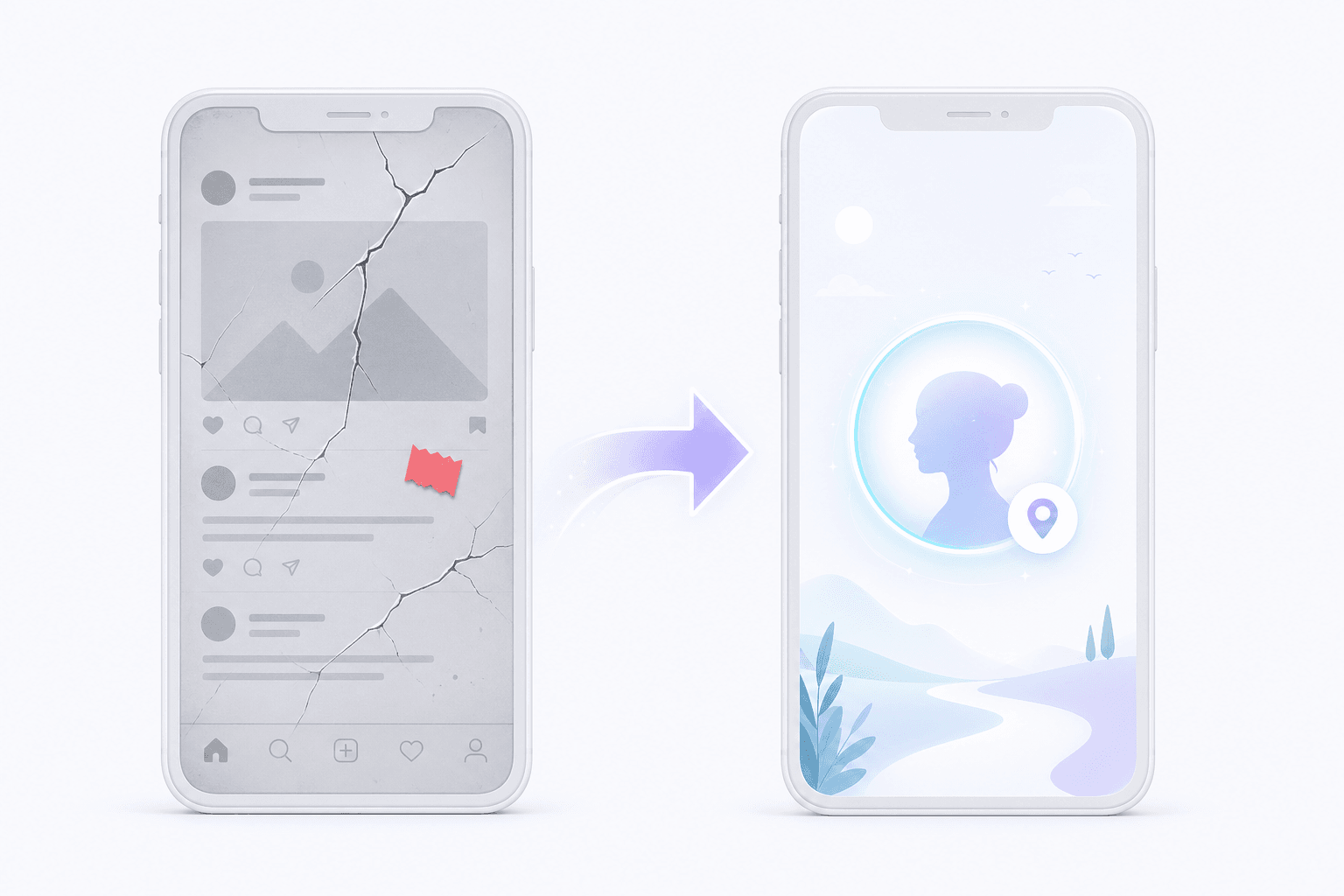

Step 3: Migrate the audience
This is the step third-party platforms make hard on purpose. The trick is to use the last few months of platform reach you still have to move the relationship out of the platform and into your portal. There is no single trick; there is a sequence.
- Swap the link in your bio. Today, the link in every social bio should be your
hashtag.org/<your name>portal, not a Linktree, not a personal website, not a Twitter handle. One link. The portal is now the funnel. - Pin a one-minute “why I’m moving” video. Honest, short, ends with the URL. Don’t bury it. The version that does best in our experience is roughly: “I’m still here, this is still my channel, but here’s a place where the relationship is not at the platform’s mercy. Come over and bookmark it.”
- Add a CTA in every new upload. One slide at the end, one line in the description, one pinned comment. Not aggressive; consistent. The conversion is slow, then fast: the first 4-6 pieces of content move very few people, and then you start to see the portal’s contact list grow weekly without you doing anything new.
- Run an export-and-import sweep. Most platforms let you export some version of your audience: an email list from a newsletter, a member list from a paid tier, a contact CSV from your shop. Get those out today. Even partial exports are valuable; once they are in your portal’s contact tab, they are first-party data you own.
- Add a portal CTA to anywhere a platform is not the gatekeeper. Your podcast description; your speaking-engagement website; your conference bio; your email signature. Each one is a relationship that lives off-platform; lean into it.
Realistic expectation: in the first 30 days you will move 5-10% of your most-engaged audience. In 90 days, 20-30%. The migration tail is long, but the ceiling is high, and it compounds because every month a new fan is added to the portal funnel directly, without going through the platform first. Patience is a competitive advantage here.
The legal and moral side, briefly
Migrating an audience to a property you own is not a violation of any platform’s terms; it is the entire point of having an audience. We are not asking you to delete your YouTube channel or stop posting on TikTok. Keep posting. The point of the portal is that, when the platform inevitably restricts you, you do not lose contact with the people who matter. It is insurance, not an exit; and like all useful insurance, it is worth setting up before you need it.
Step 4: Replace the platform’s monetization (gradually)
Platform-level monetization is opaque, capped, and policy-gated. Portal-level monetization is none of those things. Three buckets to think about:
- Direct support. Tips, paid memberships, and paid private channels all run through your portal’s checkout. You set the price. You see the money. Nobody can change the rules mid-year.
- Products and services. Whatever you actually sell (coaching, courses, gear, the wedding photography, the consulting hour) lists in your portal as a card with a checkout. Visitors can buy with a card via Stripe; if they want to pay in stablecoin via USDC, that is opt-in.
- Discovery via keywords. The other half of monetization is attracting visitors who do not know you yet. Bidding on keywords on hashtag.org is the analog to spending on ads, except the rules and prices are public. The full mechanic is in Win the keyword you actually want; the very short version is you bid an annual amount per phrase and the highest bid is #1.
You can do all three or you can pick one. The point is that none of them is platform-gated; if hashtag.org makes a policy change you disagree with, you can take your contacts, your products, your prices, and your #Name to a different product (including off-network, via self-custody) without losing the relationship.
Step 5: Use GIGI as a concierge so the experience beats a comment thread
One of the unspoken reasons fans stay on third-party platforms is the experience: the comment thread, the live chat, the recommendation engine. A portal with no agent feels like an old web 1.0 personal page. A portal with a trained AI Portal Agent answers visitors instantly with your bio, your schedule, your answer to common DMs, and your shop links. It does not pretend to be you, but it triages 80% of inbound “hey, where can I…” messages without you lifting a finger.
The setup is its own walk-through: Train GIGI on your business in 10 minutes is the next thing to do after your first contacts have moved over. A trained agent is the difference between a portal that feels like a static link page and a portal that feels like a destination.
Step 6: Make it actually un-takeable
On day one, your #Name sits in an embedded wallet we provision for you. That is plenty for almost everyone: we cannot revoke your name unilaterally, your subscription is yours, and the contacts are yours. But for the small slice of creators who genuinely cannot tolerate platform risk (controversial topics, political speech, adult content, anyone who has been deplatformed before) the next upgrade is moving the keys into a wallet you control.
That step is From email signup to self-custody. It is a 10-minute setup, it is fully optional, and once it is done your #Name exists on #SPACE on-chain, controlled by your private key, and outside the operational reach of any single company, including ours.
FAQ
How long does the full migration take? One day to set up the portal, 90 days for the migration to start compounding, ~12 months until your portal is the main funnel and the platform is a feeder.
Should I delete my YouTube channel? No. Keep posting. Your goal is to be unaffected if it disappears, not to make it disappear.
What about platforms I don’t want to leave? Don’t. The point of the portal is that you can stay, but with a safety net. Use the portal as a canonical link in every bio, on every video, in every podcast. Your CTA is the portal, not the platform.
What if my entire audience is on one platform? That is the textbook risk profile this article is for. Your migration is more urgent, not less. Start with Step 1 today.
Will hashtag.org demonetize me? The platform’s policy is narrow, public, and applies to portals (not #Names). Even in the worst case, where we decide tomorrow that your portal violates a rule, we cannot revoke your #Name if it is in self-custody, and you can take your contacts and your products to another product overnight. That is the architectural difference: the badness ceiling is a portal disable, not a relationship loss.
Where to go next
If you have not yet, claim the #Name first with the 60-second flow. After that, train the agent so the portal feels alive (10-minute GIGI setup) and lock in the search phrases you want to own (keyword auctions). When the contacts and revenue are flowing through the portal, usually month two or three, finish the job with self-custody so the relationship is, finally and provably, yours.